
No School
Thanksgiving Break: November 26-30
Return to school: December 1
As we approach the holiday season, we want to ensure that every Riverview family feels supported. If your family is in need of holiday assistance this year, we would love to help.
Please take a few moments to complete this Holiday Assistance Form so we can connect you with support and resources this season.
Thank you for being a valued part of our Riverview community. We’re here for you!

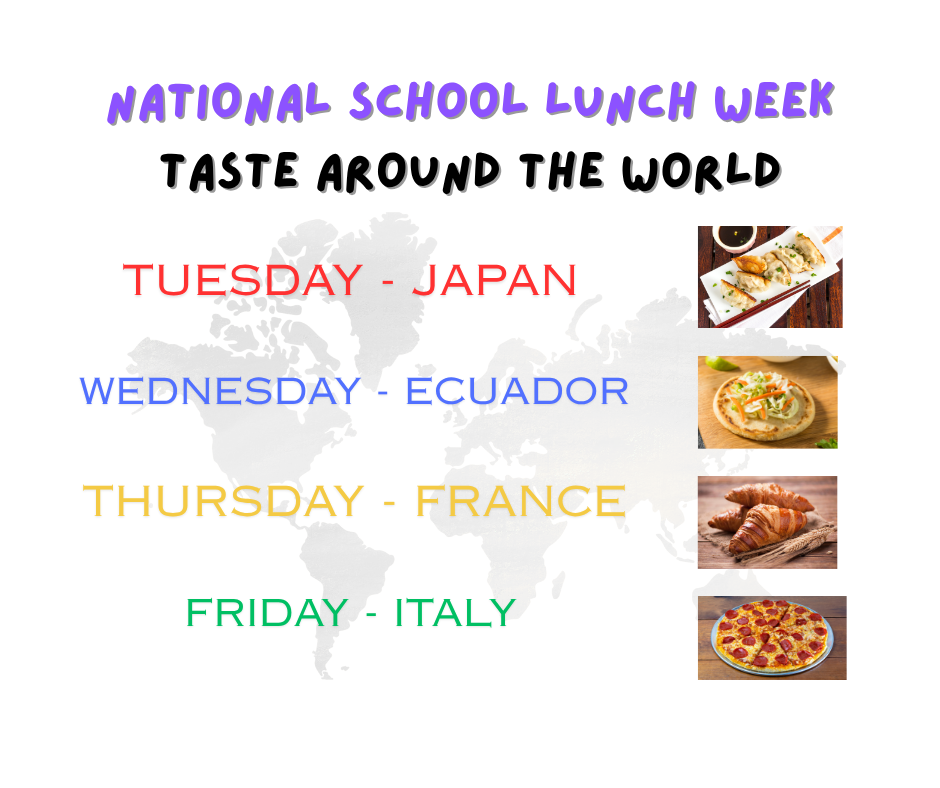
To celebrate National School Lunch Week this year, we will be having a "Taste Around the World" for our lunches.
Tuesday - Japan: Potstickers with Teriyaki Chicken
Wednesday - Ecuador: Pupusas
Thursday - France: Ham and Cheese Croissant
Friday - Italy: BBQ chicken Pizza, Pepperoni Pizza, and Cheese Pizza
No School
Fall Break: Thursday, October 16 & Friday, October 17
Teacher Professional Development Day: Monday, October 20
See you back on Tuesday, October 21st!
To ensure the safety and security of our students and staff, and in compliance with new state legislation, we will be checking the ID of every visitor who enters the school. Please have your ID ready to show at the camera by the second set of doors before entering.
If you are volunteering or visiting a classroom/student, you must always check in and check out at the main office.
Please remember: anyone who wishes to visit a student, help in classrooms, chaperone field trips, assist with the book fair, read with students, help with class parties, etc. must have a completed and cleared background check on file.
We appreciate your understanding and patience as we adjust to these updated safety procedures.
Thank you for helping us keep our school community safe.

Dear Riverview Families,
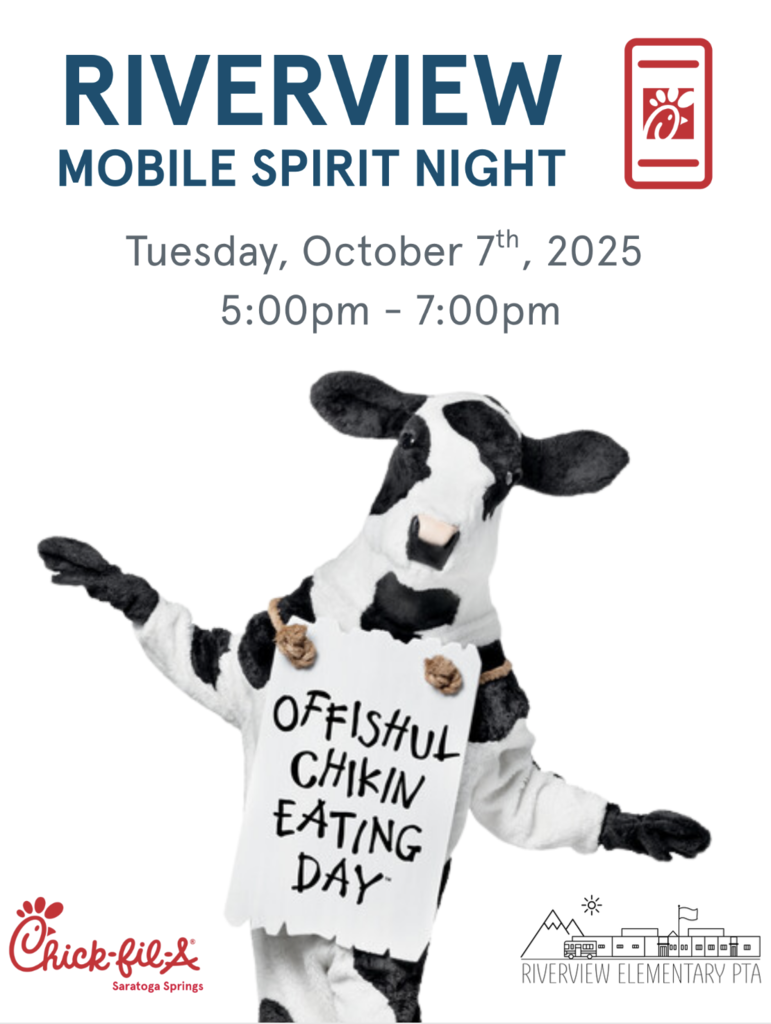
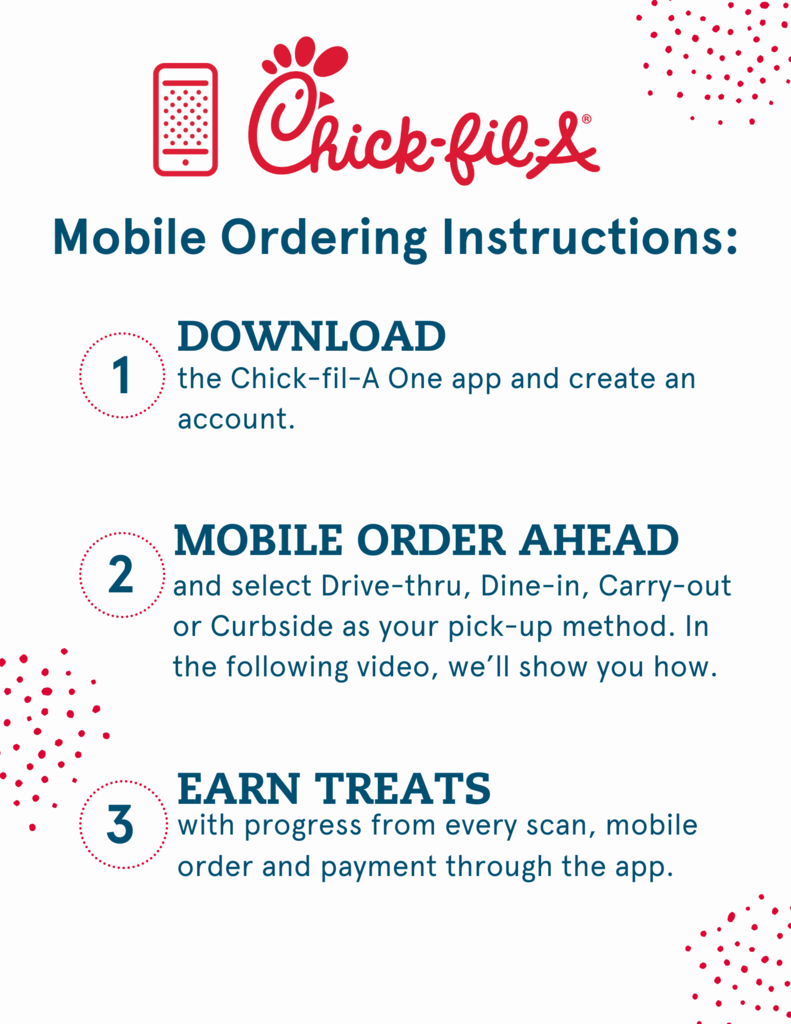
Looking for an easy and delicious dinner option while supporting our school? Join us for Chick-fil-A Spirit Night on Tuesday, October 7th! Simply use the Chick-fil-A One app to order your meal from the Saratoga Springs Chick-fil-A, and 20–30% of the proceeds will go directly to Riverview PTA. Funds from this spirit night will be used for teacher appreciation.
It’s a win-win—enjoy a tasty dinner and help the PTA support Riverview's teachers.
How to Participate:
Order your meal through the Chick-fil-A One app on Tuesday, October 7th, between 5:00 and 7:00 PM.
Share with local friends and family. All Saratoga Springs Chick-fil-A purchases made through the app during the spirit night hours will contribute to the Riverview fundraiser.
Please check out the attached flyers for more details on how to download and use the app!
We can’t wait to see you there—let’s make this Spirit Night a success!
Thank you for your support,
Riverview Elementary PTA
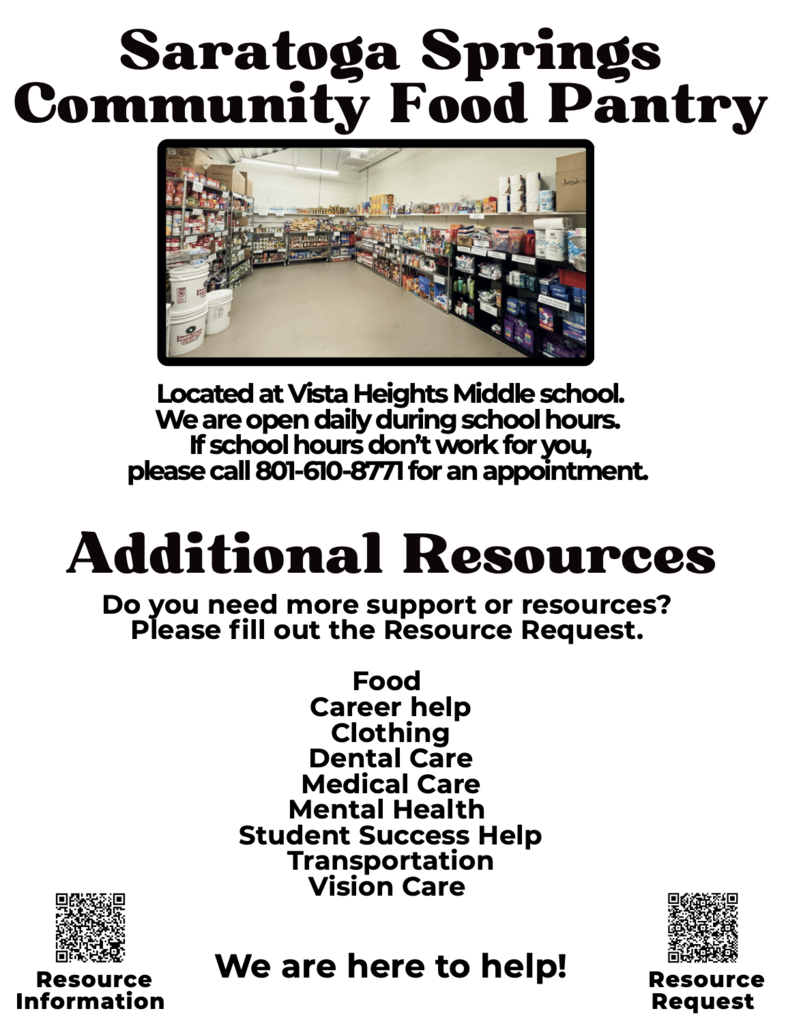
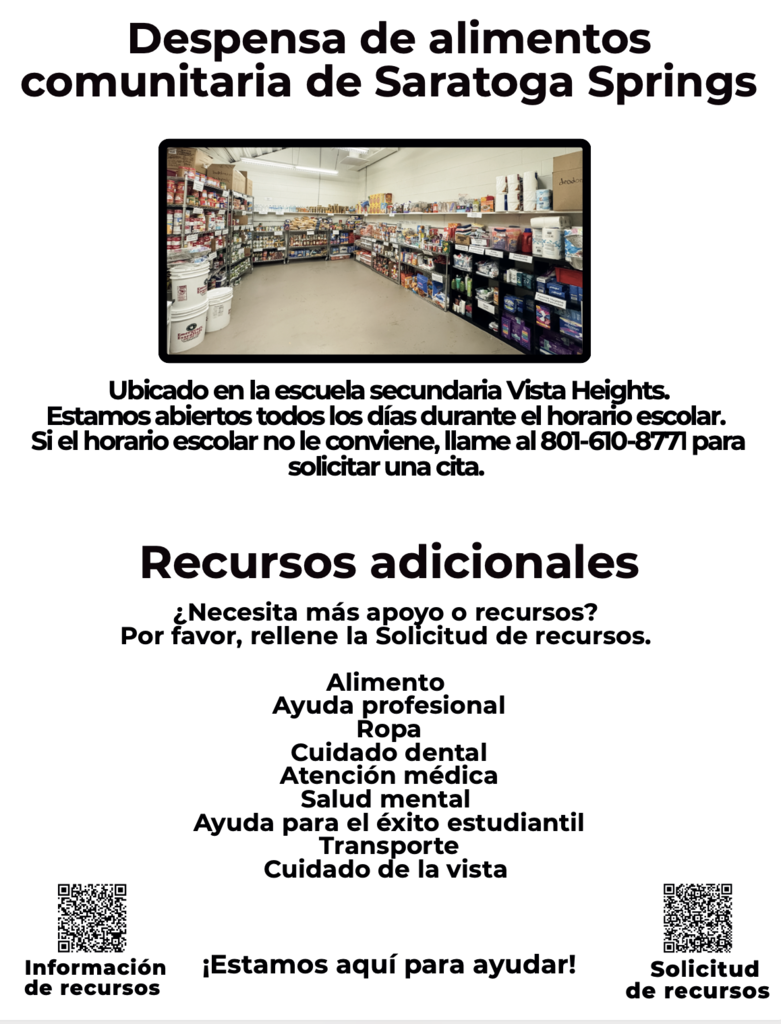
Saratoga Springs Community Food Pantry
Located at Vista Heights Middle school.
We are open daily during school hours.
If school hours don’t work for you, please call 801-610-8771 for an appointment.
No School
Monday, September 29
It will be a Teacher Work Day!
Did you know that all volunteers who help in our schools are supposed to be fingerprinted and background checked? The district offers free fingerprinting and background checks to those who want to help in our schools.
If you want to chaperone a field trip, help with the book fair, read with first graders, help with class parties, and more, come get it done!
I encourage you to get this done sooner than later. It can take up to 6 weeks for the entire process, so start now.
Schedule your fingerprinting appointment here.
(This is not a NEW background check. If you have already had yours done, you don’t need to come again.)

We’re excited to invite you to our upcoming Parent-Teacher Conferences on Tuesday, September 30th and Thursday, October 2nd from 3:30–7:00 PM!
Join us for an evening of meaningful connections with teachers, helpful reading strategies, and some extra fun at our Book Fair.
📅 When: September 30 & October 2
⏰ Time: 3:30–7:00 PM
📍 Where: Riverview Elementary
If you have not yet signed up for a conference time, please contact your child’s teacher or call our office at 801-610-8726.
We look forward to seeing you next week!

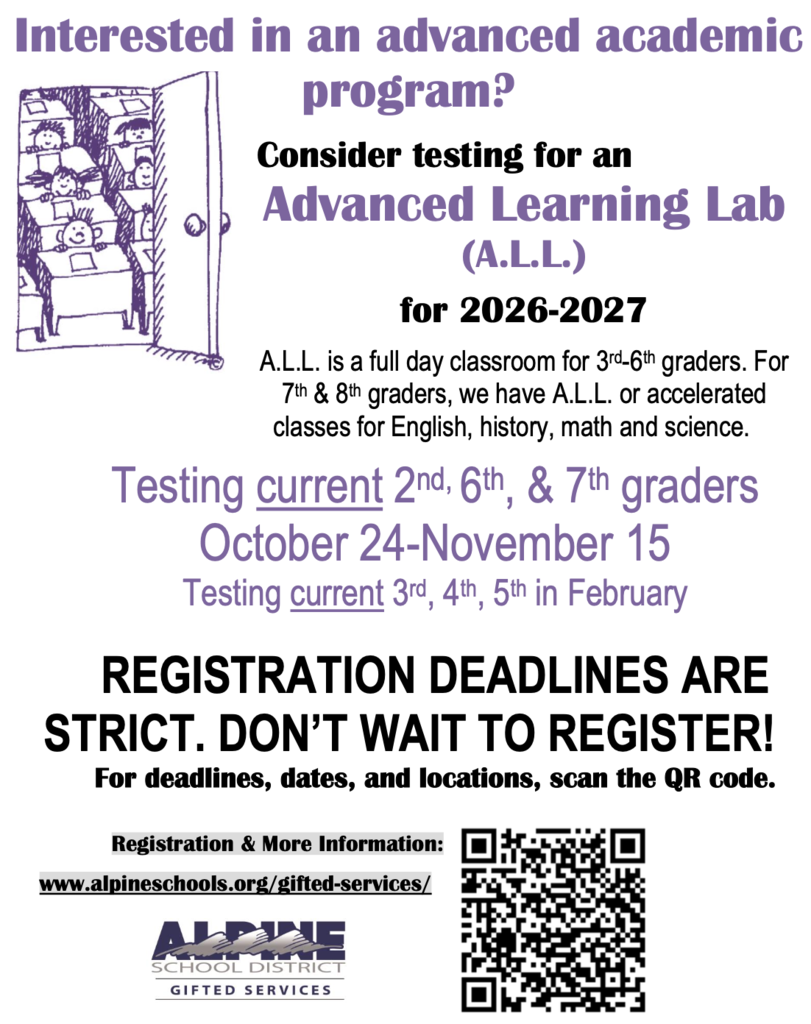
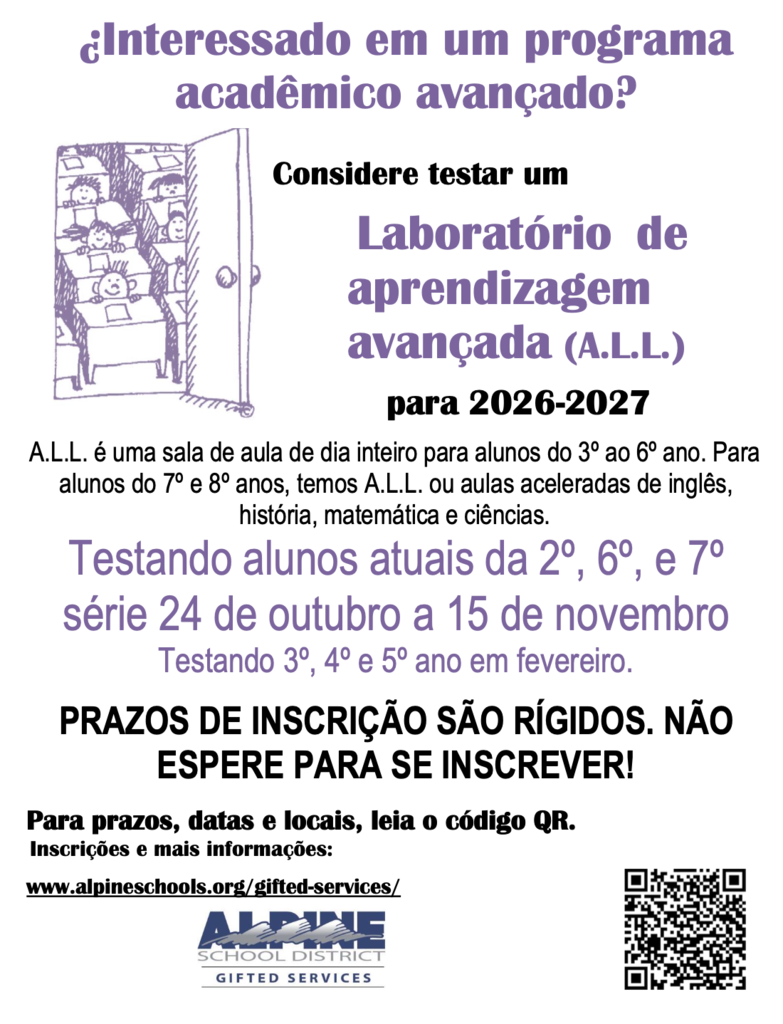
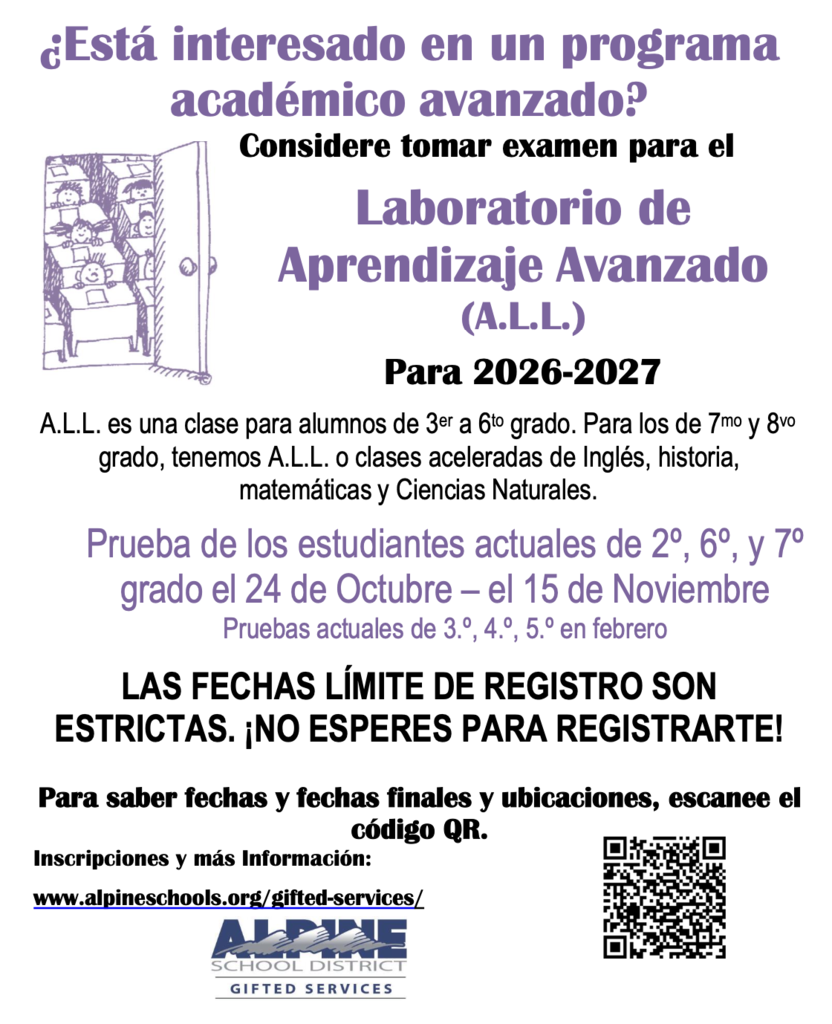
Interested in an advanced academic program?
Consider testing for an Advanced Learning Lab (A.L.L.) for 2026-2027
A.L.L. is a full day classroom for 3rd-6th graders. For 7th & 8th graders, we have A.L.L. or accelerated classes for English, history, math and science.
Testing current 2nd, 6th, & 7th graders October 24-November 15
Testing current 3rd, 4th, 5th in February
REGISTRATION DEADLINES ARE STRICT. DON’T WAIT TO REGISTER!

https://www.signupgenius.com/go/10C0D4FADAA23A2FEC25-58690477-book

Riverview Families,
As we begin the new school year, we want to send a quick reminder about student lunches:
Lunch Accounts – Please be sure to check your child’s lunch account balance and add funds as needed. This will help ensure there are no interruptions during lunchtime. You can add money online through LinqConnect.
Free & Reduced Lunch Applications – Families must reapply each school year to continue receiving free or reduced-price meals. If you haven’t already submitted your application for this year, please do so as soon as possible. Applications can be completed online at https://linqconnect.com/public/meal-application/new or picked up in the school office.
If you have any questions or need assistance with the process, please contact our office and we’ll be happy to help.
Riverview Nutrition Team
Meet the Candidate Night - Monday, September 22, @6:30-8:30pm at Lake Mountain Middle School

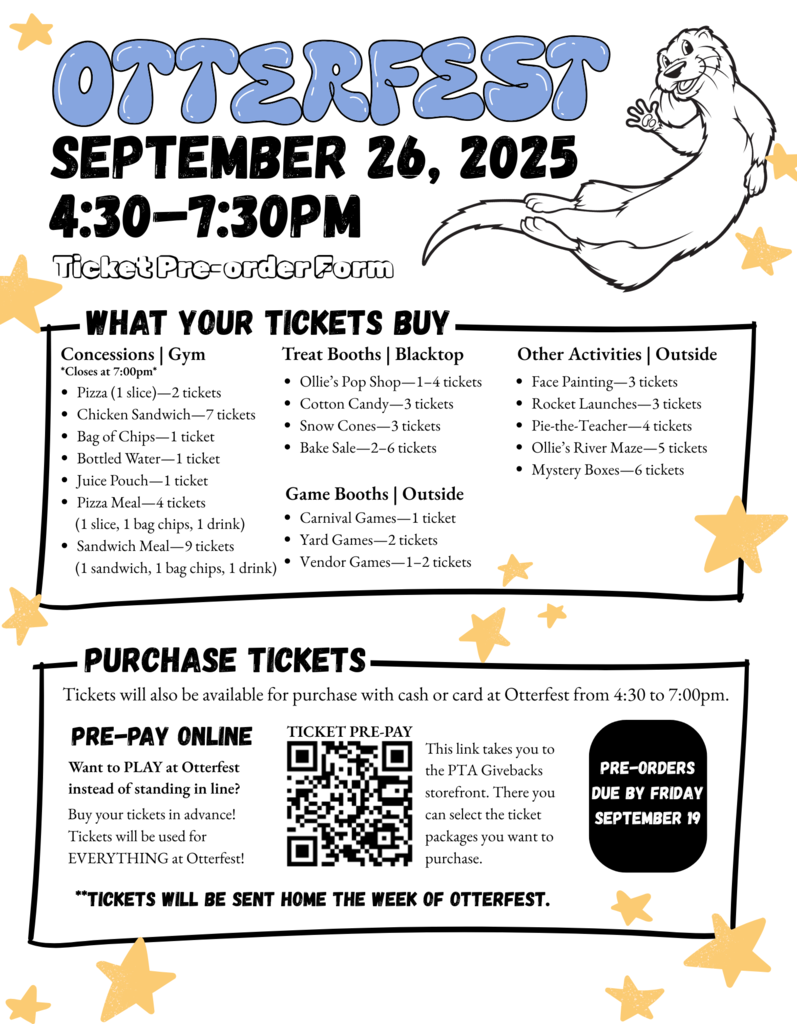
OTTERFEST - September 26th
September is in full swing, and that means it's time to get ready for OTTERFEST! Otterfest is our annual fall festival, and it serves as the PTA's biggest fundraiser of the year. Proceeds from Otterfest are designated for the classroom grants we offer to all our teachers at Riverview. Any additional funds raised will be used for teacher appreciation and other clubs, such as the school musical or robotics.
Otterfest is made up of many different booths with games, treats, and activities available for purchase. Everything is purchased with tickets, which you can buy next week during our online presale (Sept. 15–19) or on the night of. We highly suggest utilizing the presale to avoid long lines at the ticket booth on the night of.
A lot of work goes into making Otterfest a fun event that brings our community together. Each year, we need as many volunteers as possible to help run our booths and activities. Please consider signing up to volunteer for a shift while your students enjoy the night. If you aren't able to attend, you can also support the event by lending equipment. This year, we will need to borrow a few pop-up tents, tables, coolers, and work lights.
We hope to see you all on the big night. Thank you so much for being a part of our Riverview community!
Riverview,
During difficult times Riverview Elementary School is willing and excited to help our students and community. Please provide a brief description of your needs. Someone from the school will contact you and begin to make arrangements to support as much as possible.
Riverview Community Care Request Form: https://forms.gle/ou8wRKx3dTP5vo3BA
Thank you
Durante tiempos difíciles, la Escuela Primaria Riverview está dispuesta y emocionada de ayudar a nuestros estudiantes y a la comunidad. Por favor proporcione una breve descripción de sus necesidades. Alguien de la escuela se comunicará con usted y comenzará a hacer arreglos para apoyarlo tanto como sea posible.

Riverview Community Care Donors List
Each year we have a number of students and families that experience challenging times and unforeseen hardships. During these times of need, our Riverview community has always been so willing to support.
To increase our support and communication we would like to create a list of potential donors from our community that we can quickly reach out to if a need arises in our school community. As needs arise, we will contact prospective donors on this list in private and see if they are in a position to help.
Filling out this form does not lock you into a donation. It just means that you would like to be contacted in the event that a student or family is in need. Most likely, we would send you an email, with a simple description of the donation needed. If you are interested in donating to that cause, you would simply email.
To protect the privacy of all students and families, all donations will be anonymous. School administrators and our counselor would work with potential donors to make all the arrangements needed.
If you are interested in joining our Riverview Community Care Donors list, please fill out the Link above.
Thank you

Riverview Information App (Newsletter):
The district has redesigned their website along with each individual school’s websites. As part of the transition, there is now an app for parents to download that will send you notifications of events coming up or important information and updates.
To download the app, please visit https://riverview.alpineschools.org/, scroll all the way to the bottom and click to download the apple app or the android app. There should not be a need to login, it should automatically log you into the correct school.
Instead of a weekly newsletter this year, all information, updates, events, will be posted on our website and pushed through on the app.
Please check our website https://riverview.alpineschools.org/ and calendar often to stay informed also. Many frequently asked questions are answered there.
Here are the upcoming events as well:
SEPTEMBER:
9/1 - Labor Day (No School)
9/4 - School Picture Day
9/9 - SCC @10am
9/18 - Clear Creek (5th Grade Girls)
9/19 - Clear Creek (5th Grade Boys)
9/26 - OtterFest @4:30-7:30pm
9/29 - No School (Teacher Work Day)
9/30 & 10/2 - Parent Teacher Conference